
Last verified: May 2026 — pricing confirmed from wordtune.com/plans.
Wordtune pricing runs across three plans with one free tier — and the decision most freelancers spend too long on is actually straightforward. The Unlimited plan is the safest paid choice, but most freelancers should try Free or Advanced before committing to it. Here’s exactly what each plan costs and who it’s actually for.
If you want the full feature breakdown before looking at numbers, read our Wordtune review for freelancers first. This article covers pricing only.
Basic plan — free forever
Advanced per month (annual)
Unlimited per month (annual)
Free rewrites per day on Basic
Wordtune Pricing – How Much Does it Cost?
Wordtune costs between $0 and $9.99/month depending on the plan and how you pay. Annual billing shows lower monthly-equivalent prices than monthly billing. Based on the listed prices, Advanced is about 30% cheaper annually and Unlimited is about 30% cheaper annually, although Wordtune may display annual-savings labels on its pricing page. Check the checkout page before subscribing.
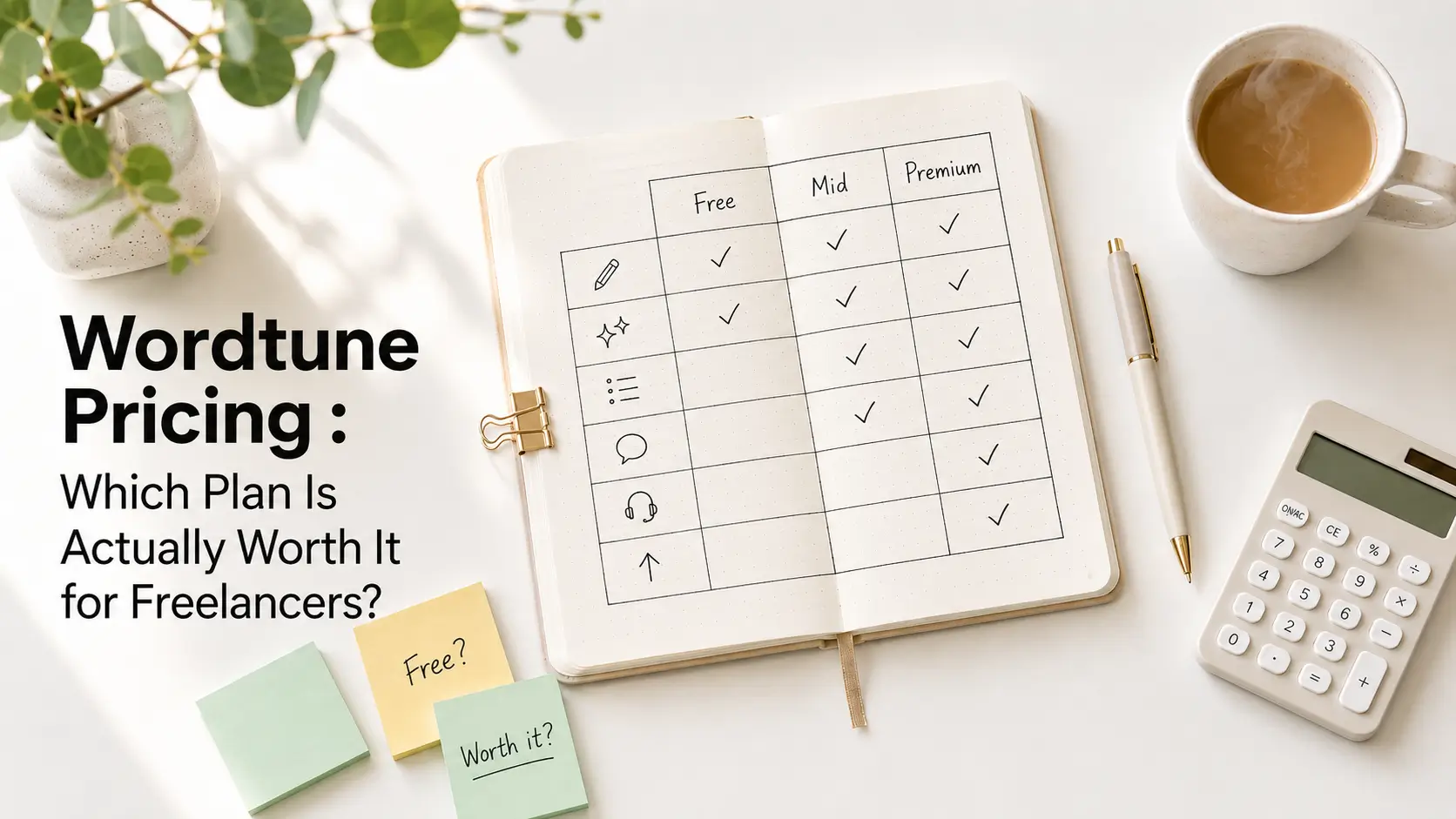
| Plan | Monthly | Annual (per month) | Best for |
|---|---|---|---|
| Basic | Free | Free | Occasional, light use |
| Advanced | $6.99/mo | $4.89/mo | Regular writing, limited rewrites enough |
| Unlimited | $9.99/mo | $6.99/mo | Daily client-writing workflow |
| Business/Teams | Not publicly listed | Not publicly listed | Teams — contact Wordtune |
Pricing verified May 2026 from wordtune.com/plans. Prices may vary by region or promotion.
What the Free Plan Actually Covers
Wordtune’s Basic plan is free with no credit card required. What you get:
- 10 rewrites and AI suggestions per day
- 3 AI summarisations per month
- Unlimited spelling and grammar corrections
Ten rewrites sounds fine until you hit a proper editing session. One long client email and a blog intro in the same sitting and you’re done. For occasional use — polishing a short piece every few days — Basic holds up. For anything more regular, the limit becomes the whole experience.
Wordtune Advanced: Who It’s For
Advanced gives 30 rewrites per day and 15 AI summarisations per month. At $4.89/month on annual billing, it’s a low-commitment entry into paid Wordtune.
That’s enough for a regular writing workflow without hitting the ceiling mid-session. If you use Wordtune for polishing rather than heavy drafting — tightening a few paragraphs here, rewording a client email there — 30 daily rewrites covers it comfortably.
What’s missing on Advanced: vocabulary enhancements, clarity improvements, fluency increases, and premium support. Those are Unlimited-only.
Wordtune Unlimited: Who It’s For
Unlimited removes every cap. Unlimited rewrites, unlimited summarisations, vocabulary enhancements, clarity improvements, fluency increases, and premium support — at $6.99/month on annual billing.
If you’re in Wordtune every day — proposals, Upwork pitches, social captions, client emails — the daily rewrite limit on Advanced becomes a genuine problem. Unlimited removes that entirely. The summarisation jump matters too: if you regularly process long documents or research, going from 15 summaries per month to unlimited is a real workflow change.
Honest caveat: Wordtune is better at rewriting, polishing, grammar correction, and summarising than full long-form drafting from a blank page. If your main need is drafting original content, ChatGPT or Claude may give better value.
Is Wordtune’s Annual Pricing Worth It?
Annual billing saves $25.20/year on Advanced ($2.10/month × 12) and $36/year on Unlimited ($3/month × 12), based on listed monthly-equivalent prices. Not life-changing, but real money over a year.
Both paid plans include a 3-day free trial before any charge. That’s a short window — use it for an actual client project, not a quick test, before locking in annual billing.
One more thing worth knowing: students and educators with a .edu email can get 30% off both plans. Contact Wordtune support to apply — it doesn’t show at checkout automatically.
Which Wordtune Pricing Plan Should Freelancers Choose?
Pick your situation
- Choose Basic if you need occasional rewriting and grammar help. A few short pieces per week, no daily pressure. Free is enough and there’s nothing to lose.
- Choose Advanced if you write regularly and 30 rewrites per day realistically covers your output. At $4.89/month annually it’s an easy starting point.
- Choose Unlimited if Wordtune is genuinely part of your daily routine — client deliverables, proposals, daily emails. The cap removal is worth the $2.10/month difference over Advanced.
- Skip paid Wordtune if full long-form drafting from a blank page is your main use case. Wordtune is better at rewriting and polishing existing text than generating original drafts.
Weighing Wordtune against its main competitor? Our QuillBot vs Wordtune comparison lays it out directly.
Who Should NOT Pay for Wordtune
Long-form content creators who draft from scratch. Wordtune’s strength is rewriting and polishing existing text — rewording sentences, improving clarity, summarising documents. If you’re staring at a blank page regularly and need an AI to help you build a full article or report from nothing, Wordtune is the wrong tool regardless of which plan you’re on. ChatGPT or Claude gives better value for that specific use case.
Freelancers who only need grammar and spelling. Basic is free and includes unlimited spelling and grammar corrections. Paying $4.89/month for Advanced makes no sense if grammar checking is all you need — Grammarly’s free tier or LanguageTool cover that without a daily rewrite limit. See our free Grammarly alternatives for options.
High-volume writers on a tight budget. If you’re producing 10+ articles or client pieces per month and budget is tight, the rewrite limits on Basic and Advanced will create friction before you’re halfway through your workload. At that volume, a general AI writing assistant at a similar price point may cover more ground.
Try Wordtune Free — No Credit Card Needed
Start with the Basic plan and test the rewriting engine before committing to paid.
Frequently Asked Questions
Related Reads
- Wordtune Review for Freelancers (2026)
- QuillBot vs Wordtune (2026)
- Best Grammarly Alternatives Free (2026)
